

Build a Calmer Daily Plan Around Your Real Rhythm
-
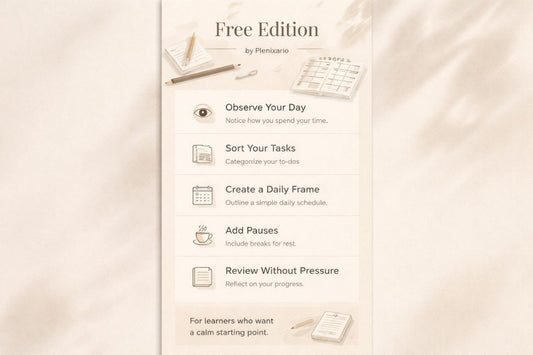
Free Edition
Regular price €0,00 EURRegular price -
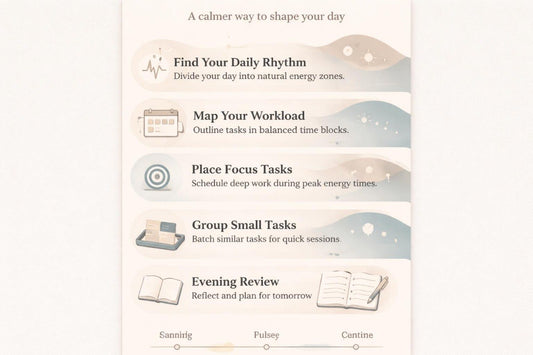
Pulse Plan
Regular price €30,00 EURRegular price -
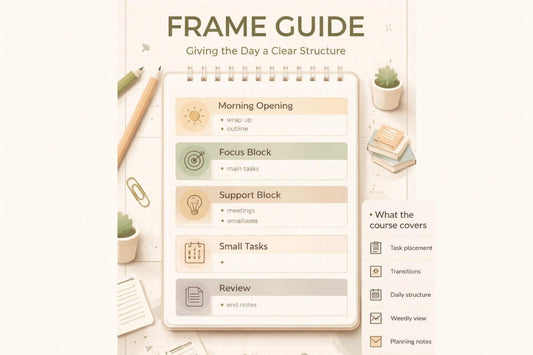
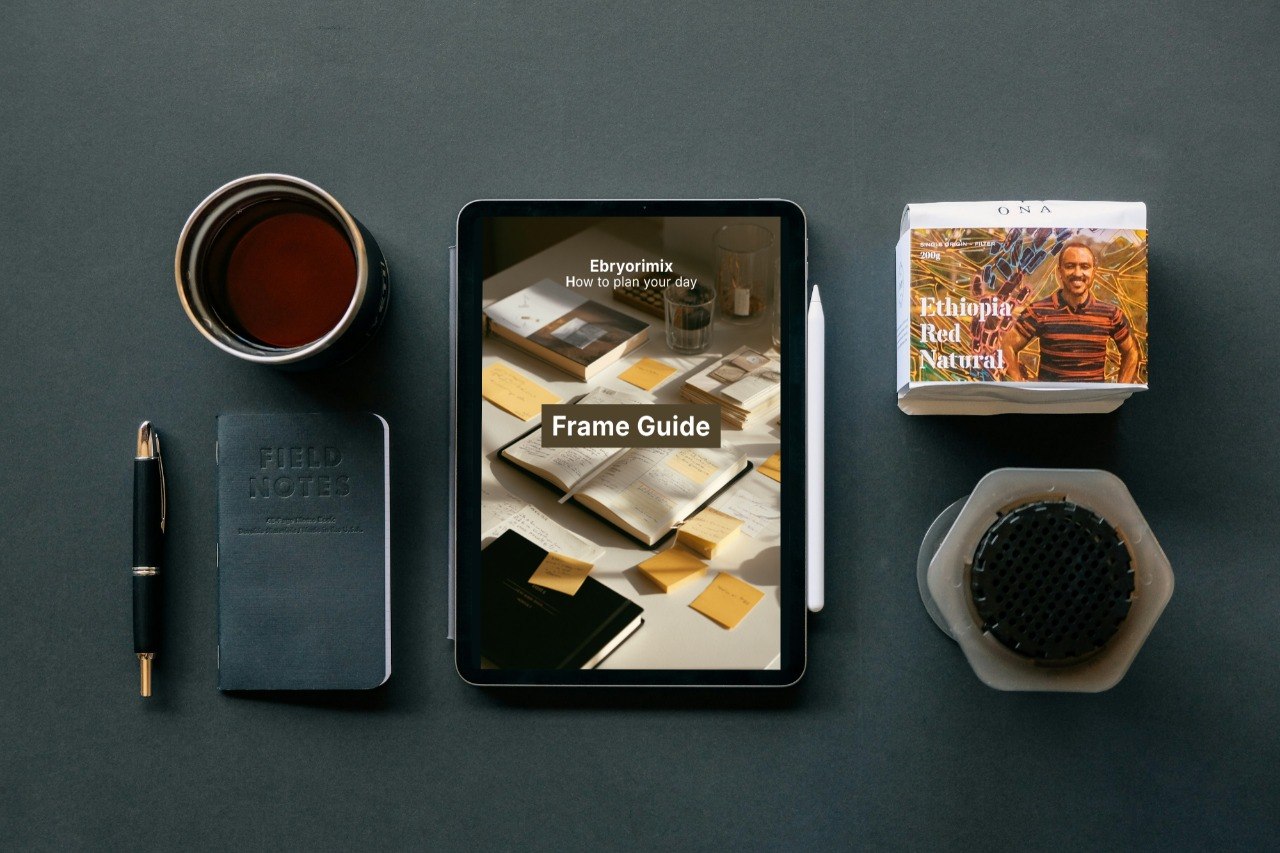
Frame Guide
Regular price €150,00 EURRegular price -
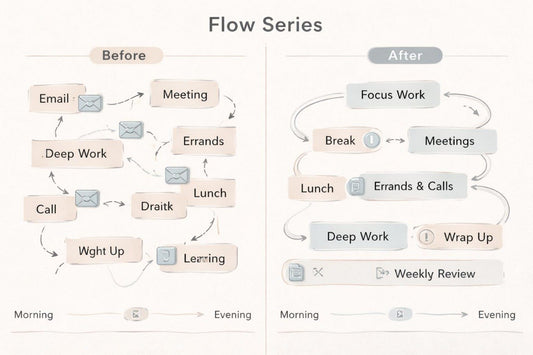
Flow Series
Regular price €254,00 EURRegular price -
Luma Pathway
Regular price €301,00 EURRegular price -
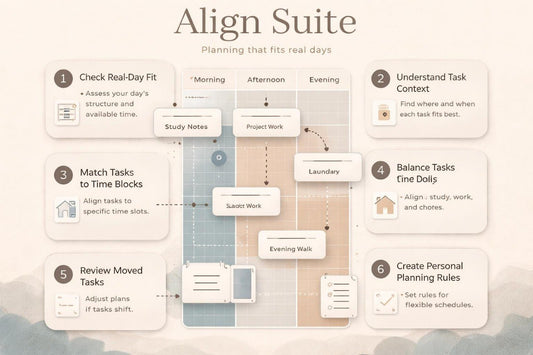
Align Suite
Regular price €401,00 EURRegular price -
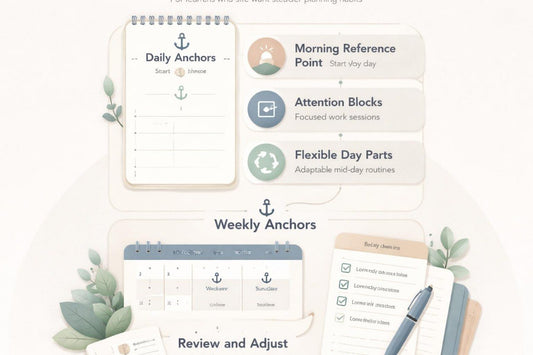
Anchor Suite
Regular price €502,00 EURRegular price -
Trail Suite
Regular price €602,00 EURRegular price








As seen on


We started with one question: where does the day go?
People who study time with care
-

Krystal Lane
Calendar Organization Guide
-

Brad Booth
Daily Planning Researcher
-

Stella Romero
Time Structure Advisor


We teach choosing what matters, not doing everything
What stays with you after the lessons
-

Daily Rhythm
The course helps you
notice which parts of
the day fit different types
of tasks. -

Task Balance
The materials show how to
separate tasks by weight,
attention, and place in
the schedule. -

Pause Space
You will learn how to
leave room in your plan
for transitions, rest, and
short daily review. -

Weekly View
The course helps you
look not only at a single
day, but at the week as
a connected system.


Start with an open Plenixario material
Learning stories at your own pace
-

Bethany Dorsey
She often started the day with a long task list, but after lunch she lost
the sense of sequence.
What was useful:
She appreciated the short module format with examples where
planning is explained through real parts of the day: morning, pauses,
focus blocks, and evening review.
Direct quote:
“I liked that the course did not push me into a strict routine, but
showed how to shape my own planning rhythm.” -
Jodie Nixon
She wanted to better see the difference between important tasks, small
actions, and tasks that could be moved.
What was useful:
The task-sorting worksheets and explanations on leaving space for
pauses in the schedule were the most useful
for her.
Direct quote:
“The task-sorting exercises made my planner feel less crowded
and much easier to read.”

Look inside the course structure
On all devices


